Build your own with BoltSponsored
Lumen
Test a space settlement's air, water and power loop

About the app
Interactive space settlement explainer in four parts: development, reuse, discovery and preservation. A timeline runs from the first liquid-propellant rocket in 1926 to 2026, and the reuse section lists the most-flown orbital boosters as of 18 November 2026. The loop panel lets you set a crew size and choose whether air, water, food and power are shipped, recycled or made on site, using NASA per-person-day figures, and shows the daily mass still shipped from Earth, so it works as a simple life support calculator. Later panels model a long lunar or Martian night on batteries, solar or a reactor, show how long a small cabin takes to pass a carbon dioxide limit, and end with a private on-device list of what you would carry.
- Maker
- @JoeyFlowerette
- Built with
- Grok
- Posted
- Source
- Original post on X

Added . Is this yours? Feature it · Report an issue.
Add a badge to your siteLinks back to this page and shows your live upvote count once it reaches 5.

HTML
<a href="https://www.promptshipped.com/app/lumen-space-settlement-built-with-grok" target="_blank" rel="noopener"><img src="https://www.promptshipped.com/badge/lumen-space-settlement-built-with-grok.svg" alt="Lumen on PromptShipped" width="250" height="54"></a>
Markdown
[](https://www.promptshipped.com/app/lumen-space-settlement-built-with-grok)
The prompt
How was it built?
Ask for the prompt.
Built with Grok.Build your own with BoltSponsored
Not shared yet
@JoeyFlowerette hasn't shared the prompt behind Lumen. If it gets added, it shows up here with a copy button.
More like this
More apps like this
All 75 learning apps- Visit
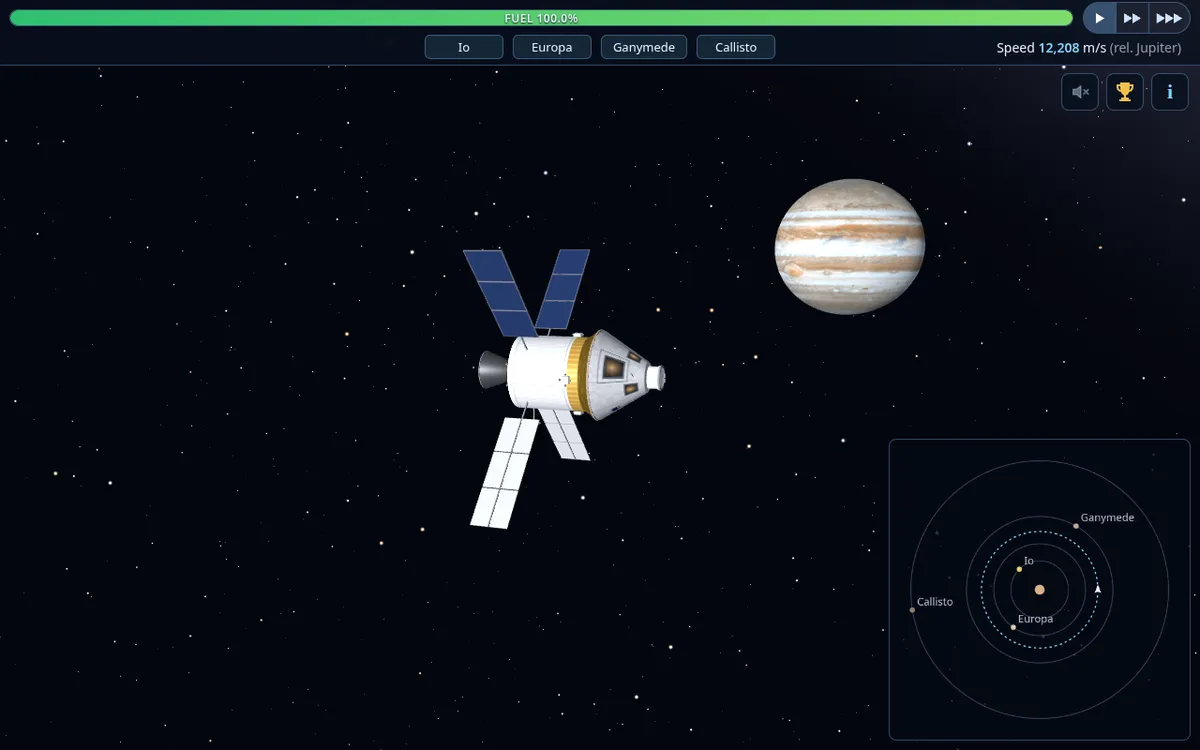
Orbit Jupiter's moons and deploy probes
caworman.comOrbital mechanics game for kids: fly from Jupiter orbit to Io, Europa, Ganymede and Callisto, orbit each moon and deploy science probes. Players plan burns against a fuel gauge, follow their trajectory on a mini-map, use time warp and gravity assists, and finish with a refuel-and-dock bonus, on keyboard or touch. Built with Grok Bot and published on the builder's book site.
Grok@CA_Worman, - Visit
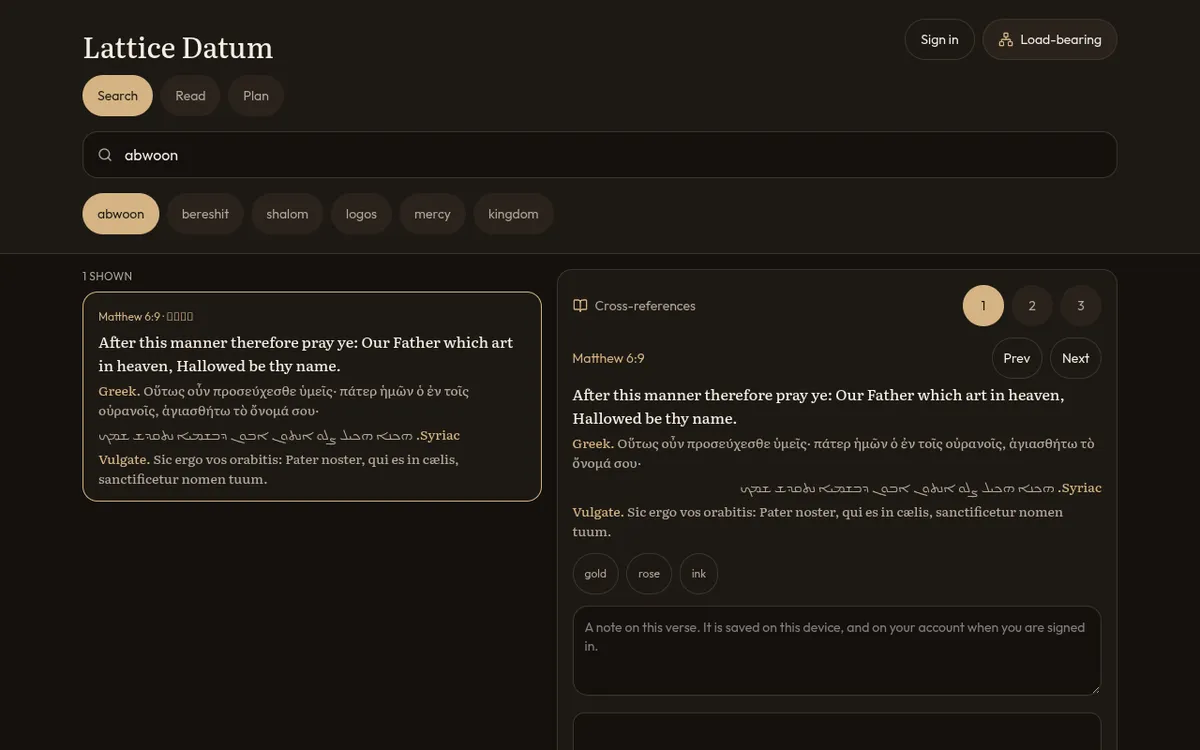
KJV Bible search with a cross-reference map
latticedatum.grok.meBrowser Bible desk with the King James text at the center, the Clementine Vulgate and Swete's Septuagint beside each verse, and Hebrew, Greek and Syriac lines under it. One search box checks English, Latin and Septuagint Greek together and also takes a Strong's number, a lemma or a morphology code, with hits shown 50 at a time, while a Read tab opens whole chapters. A cross-reference map centers on the open verse and draws its links at depth 1 to 3, with a Load-bearing list of the twelve most-linked verses; verses can be marked gold, rose or ink with a note saved on the device, and a Plan tab counts chapters marked read, with sign-in only needed to keep marks on an account. Built with Grok and shared on grok.me.
Grok@lI_MACHINE_Il, - Visit
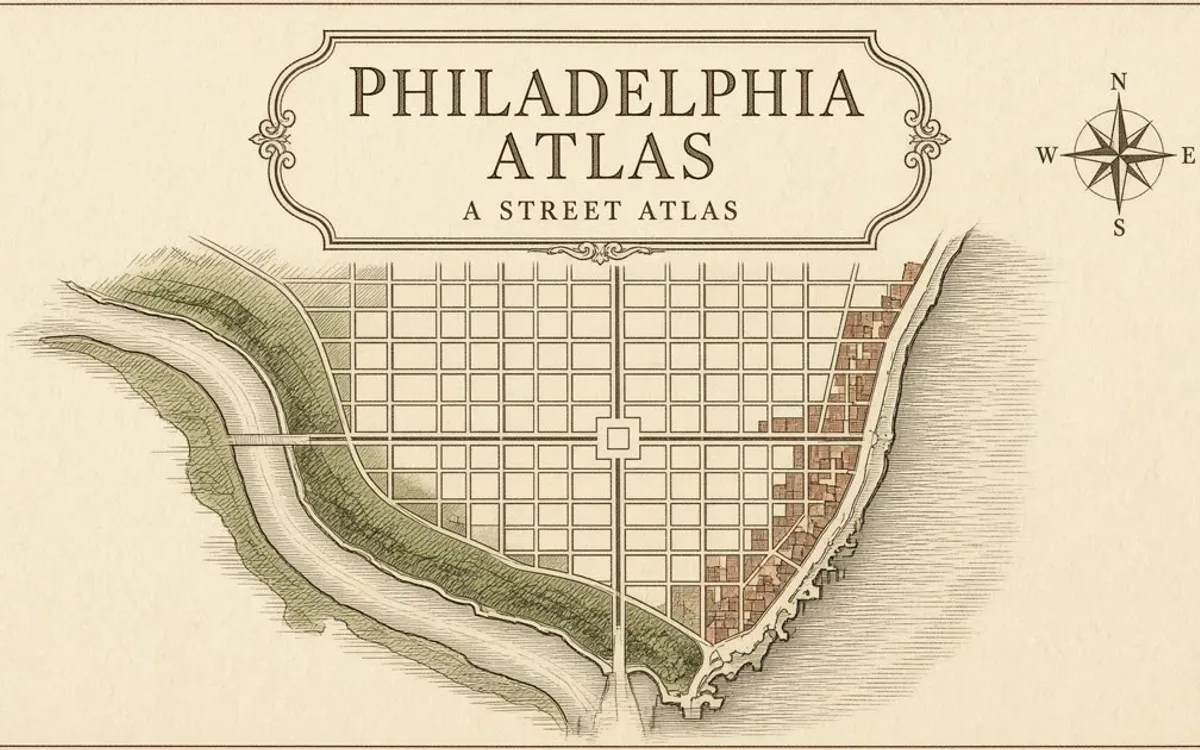
Philadelphia neighborhood map, 50 places
frost-cinder-clover-giant.grok.meMap atlas of Philadelphia within its 1854 city limits, from the Delaware to Cobbs Creek and from South Philly to Somerton. It outlines 158 neighborhoods, each with a short history note, and pins 50 places such as Independence Hall, Eastern State Penitentiary and Bartram's Garden, each tagged History, Arts, Parks, Markets or Anchors with a date. Search for a place or neighborhood, jump to areas like Old City, the Parkway, the Schuylkill or South Philadelphia, and filter the map by type. Built with Grok.
Grok@BeshearsSteven, - Visit
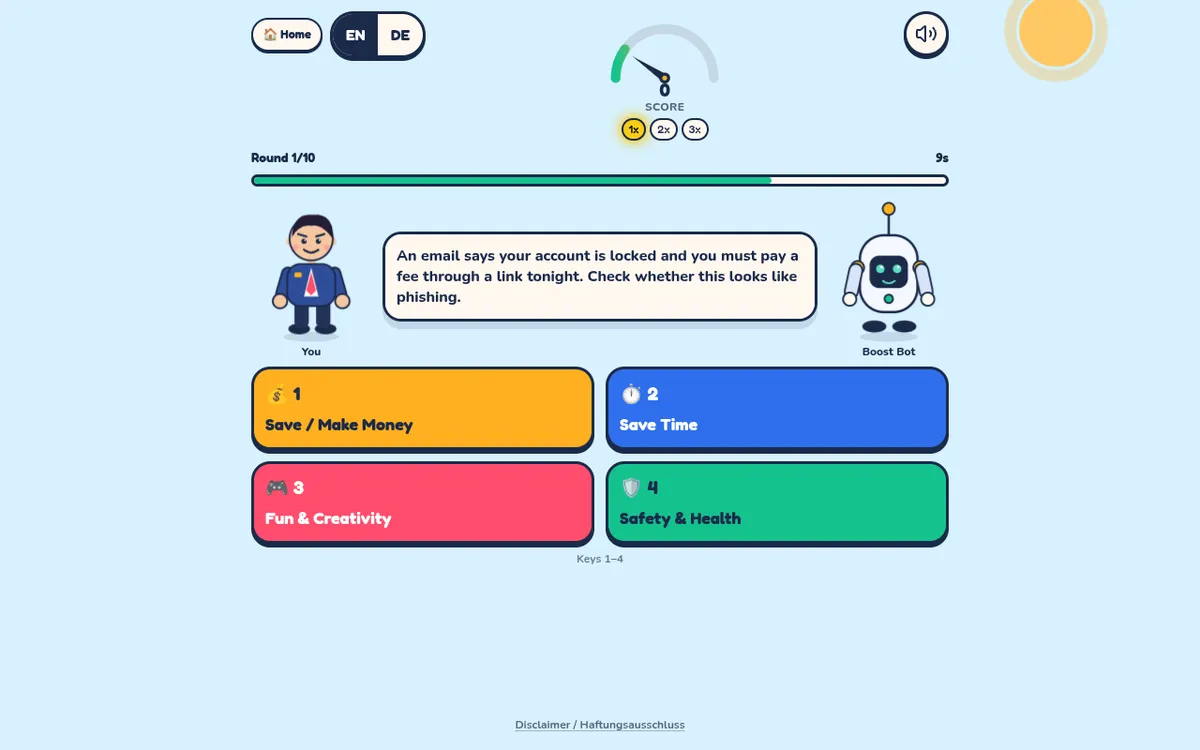
Learn AI tips in a quick sorting game
aiboost.grok.meLearn AI game in which each round shows an everyday scenario, such as a locked-account email that may be phishing, and asks whether AI mainly saves money, saves time, helps fun and creativity or protects safety and health. Ten timed rounds draw from 45 scenarios with a score multiplier, keys 1 to 4 or taps, and English or German text. Built with Grok and shared on grok.me.
Grok@likofis, - Visit
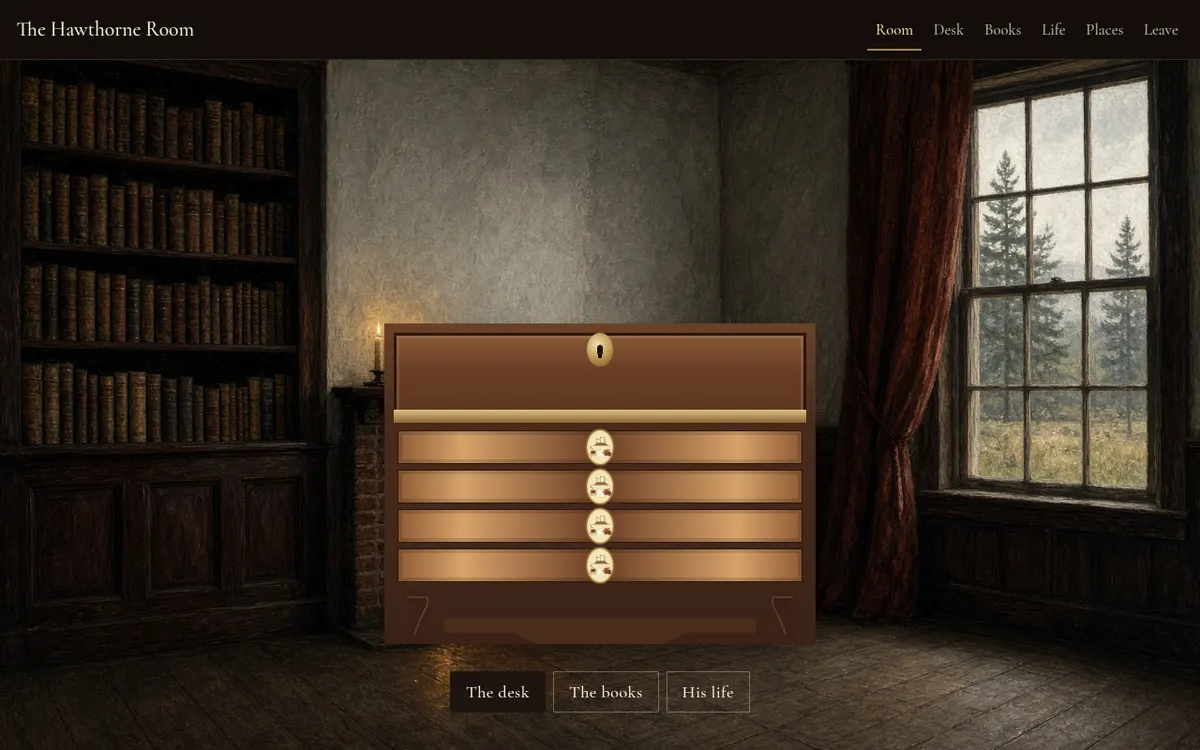
Open Nathaniel Hawthorne books at a desk
island-brush-heart-honey.grok.meNathaniel Hawthorne books, life and places gathered in an illustrated study room. Open the desk drawers and lid to read The Scarlet Letter, The House of the Seven Gables and his other romances and tales, with the texts drawn from Project Gutenberg, then follow his life from Salem and Bowdoin to the Old Manse, Brook Farm and the Wayside. Built with Grok and shared on grok.me.
Grok@LinneaReilly20, - Visit
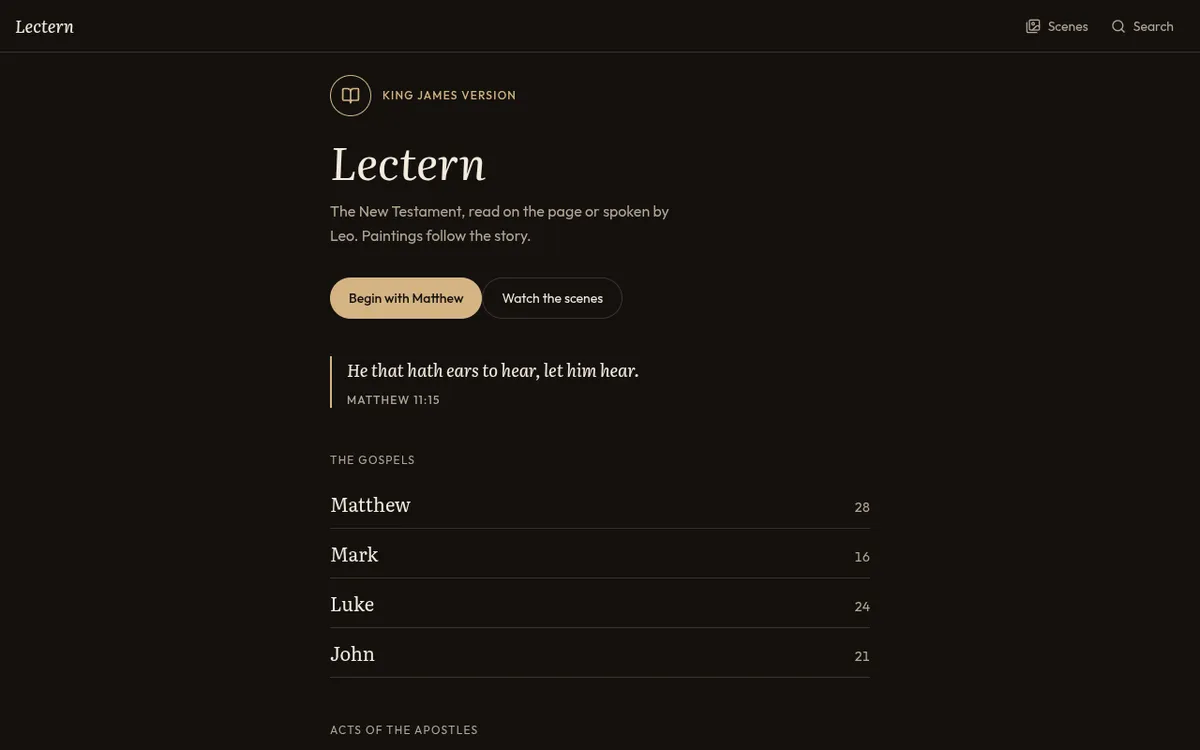
Hear the New Testament read aloud, book by book
lecterntnt.grok.meNew Testament read aloud in the King James Version: pick any of the 27 books from Matthew to Revelation and read each chapter on the page or have it spoken. A King James Bible audio reader with search, a scenes view of paintings that follow the story, and adjustable reading settings. Built with Grok and shared on grok.me.
Grok@lI_MACHINE_Il,
Show the prompt.
Add the prompt you used; it shows on your card and app page with a copy button.
The prompt
