Build your own with BoltSponsored
Meridian Weather
Generative art prints from live weather
About the app
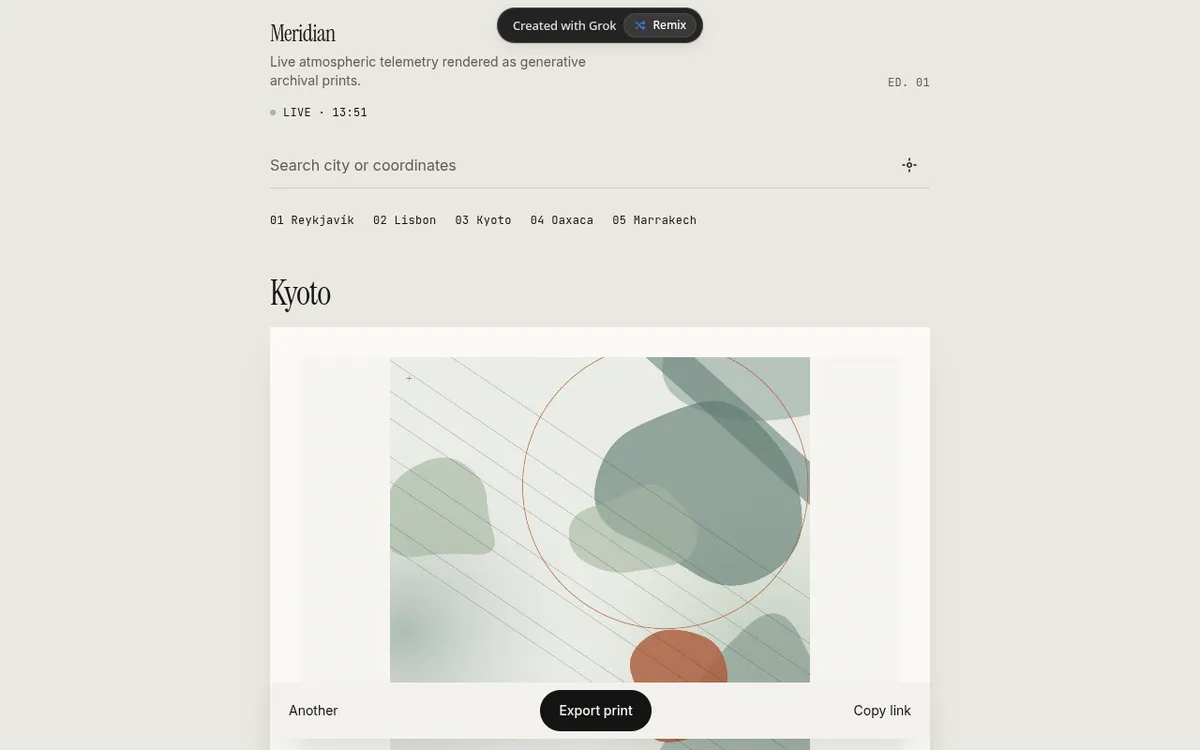
Generative art prints made from the live weather of any city, a set of coordinates or your current location. Each weather art print reads conditions such as wind speed and direction, rain, drizzle, snow, fog, cloud, humidity and air pressure: rain becomes long strokes tilted with the wind, clear skies draw a wide ring, and low pressure adds a bar and more shapes. The plate shows the place, its coordinates, temperature, pressure and date, edition notes explain how the weather made the print, and you can draw another print for the same hour, look at earlier hours, export the print or copy a link to it. It runs in the browser with no sign-in.
- Maker
- @saycubed
- Built with
- Grok
- Posted
- Source
- Original post on X

Added . Is this yours? Feature it · Report an issue.
Add a badge to your siteLinks back to this page and shows your live upvote count once it reaches 5.

HTML
<a href="https://www.promptshipped.com/app/meridian-weather-generative-art-built-with-grok" target="_blank" rel="noopener"><img src="https://www.promptshipped.com/badge/meridian-weather-generative-art-built-with-grok.svg" alt="Meridian Weather on PromptShipped" width="250" height="54"></a>
Markdown
[](https://www.promptshipped.com/app/meridian-weather-generative-art-built-with-grok)
The prompt
How was it built?
Ask for the prompt.
Built with Grok.Build your own with BoltSponsored
Not shared yet
@saycubed hasn't shared the prompt behind Meridian Weather. If it gets added, it shows up here with a copy button.
More like this
More apps like this
- Visit
Feed and identify fish in a virtual aquarium
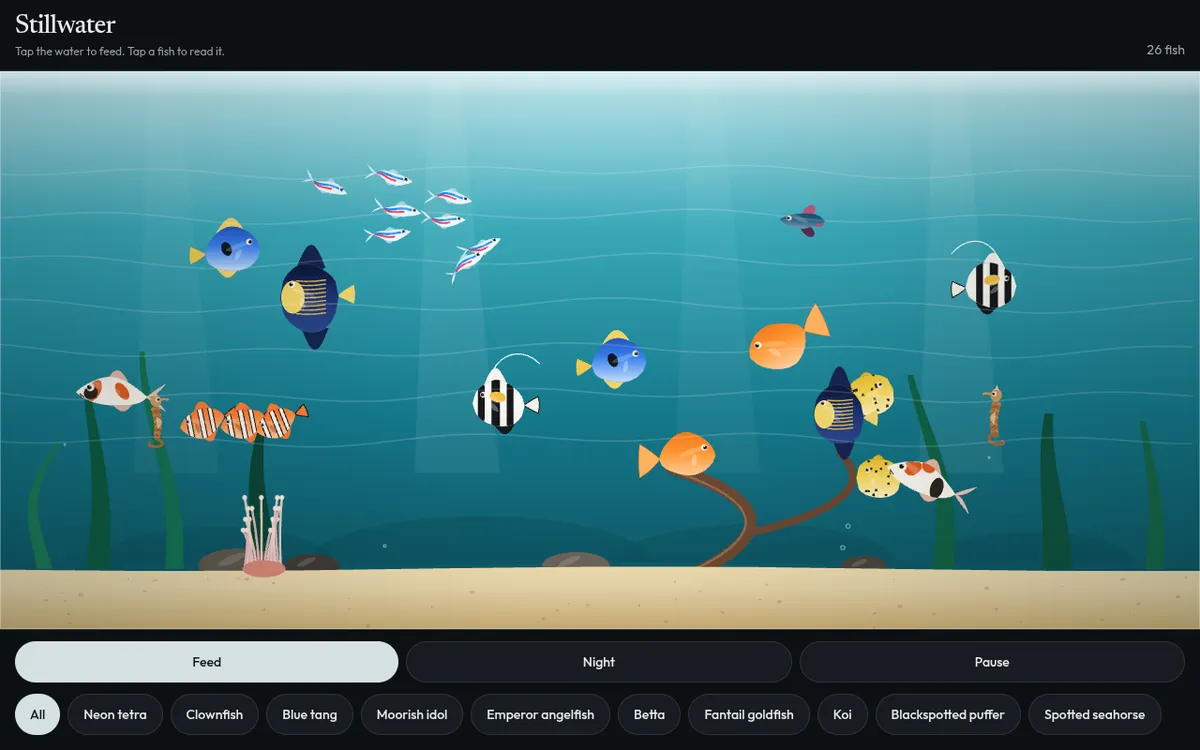
quiet-brick-bloom-silver.grok.meVirtual aquarium in the browser where reef and river fish swim together in one glass tank. Tapping the water drops food, tapping a fish shows notes about it, and buttons switch on night mode, pause the tank or filter by species such as neon tetra, clownfish and koi. Built with Grok and shared on grok.me.
Grok@BeshearsSteven, - Visit
Warp speed simulator to steer through stars
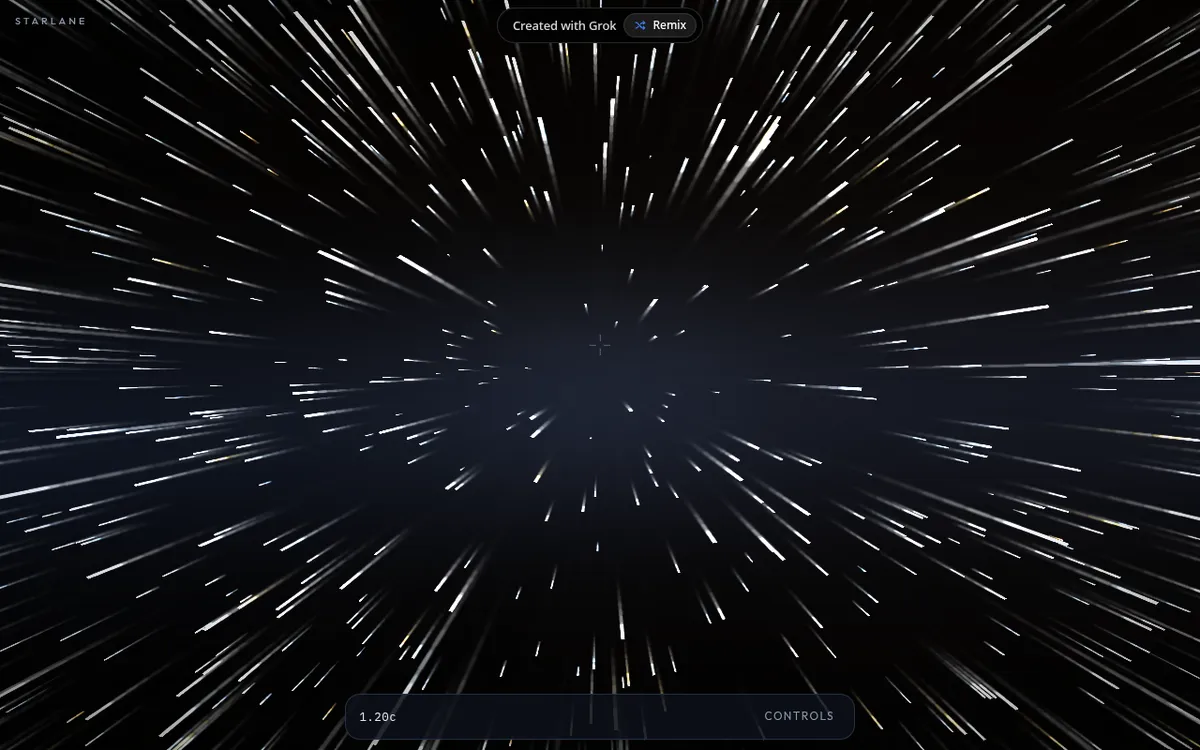
urban-solar-flora-monarch.grok.meWarp speed simulator that flies a starfield in the browser. Move the pointer to steer, or use A and D to turn, W and S for throttle and the arrow keys to pitch, and hold Space to boost; a controls dock sets speed and star density, with speed shown as a fraction of light speed. Built with Grok and shared on grok.me.
Grok@dylanmorrison33, 

- Visit
Kids coloring app with ten pages
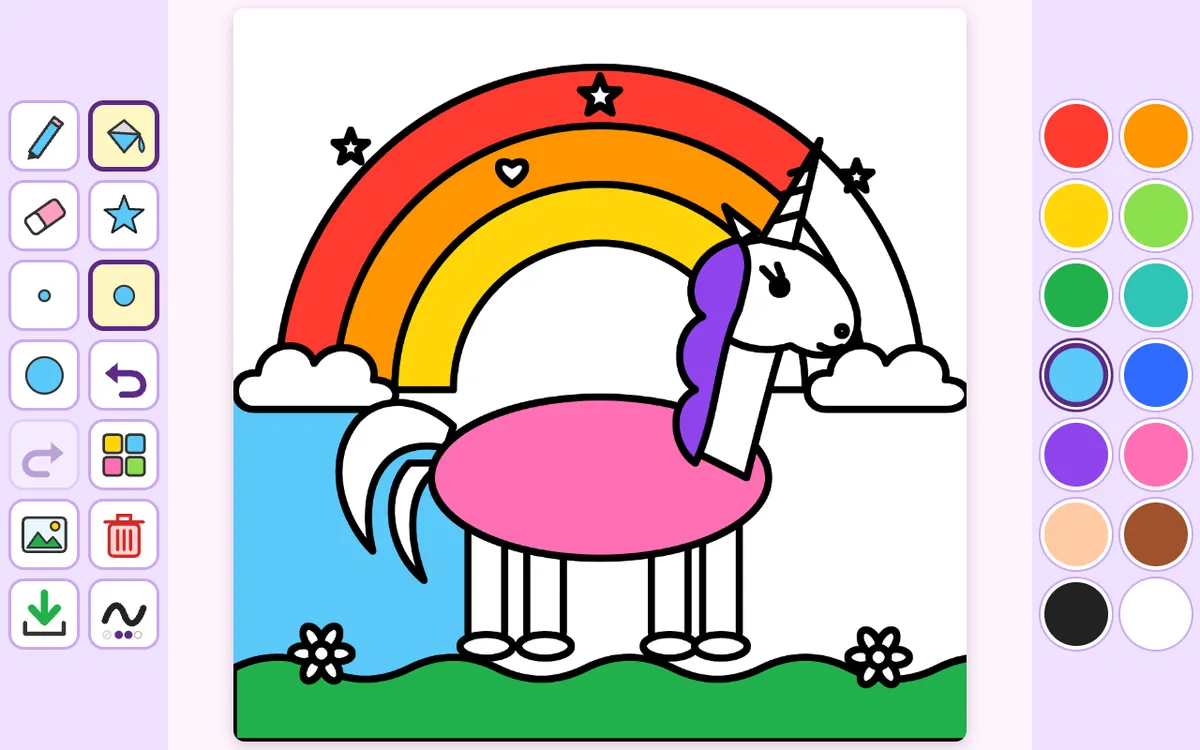
kidspaint.grok.meKids coloring app with ten original line-art pages, including a mermaid, a unicorn under a rainbow, a knight, a kitten in a crown and a friendly dragon, plus a blank page that makes it a kids drawing app as well. Big buttons cover a pencil, a fill bucket, an eraser, stickers, three brush sizes, undo and redo, with a 16-color palette beside the canvas, and any picture from the device can be loaded as a coloring page: its dark lines are thickened and sealed so fills stay inside them, and a setting changes the line thickness. Drawings save as PNG files; the page says it works offline with no ads and no tracking, and it runs in the browser with no sign-in.
Grok@CubanRambo,
Show the prompt.
Add the prompt you used; it shows on your card and app page with a copy button.
The prompt
