Build your own with BoltSponsored
NoteWorthy
Smart notes app that files notes on device
About the app
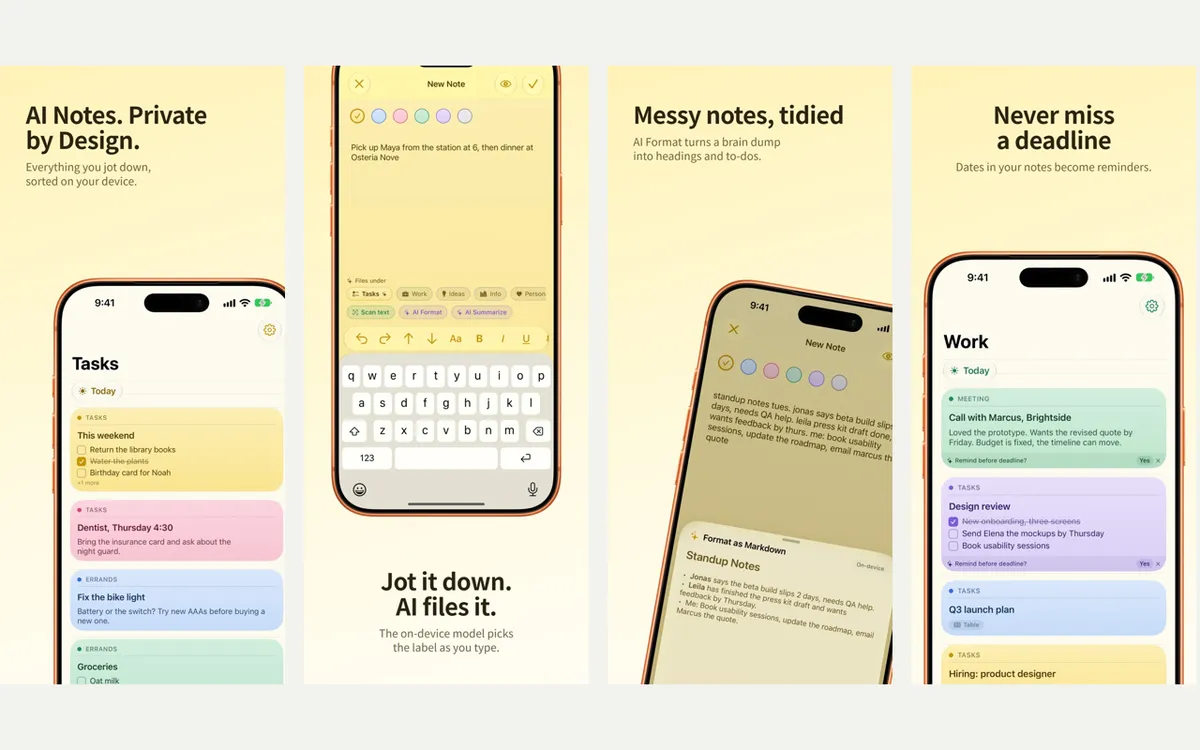
Smart notes app for iPhone, iPad and Mac that writes a title for each note and files it under Tasks, Work, Ideas, Info or Personal, with your own labels on top. AI Format turns a messy note into headings, lists and checkboxes without changing the wording, and AI Summarize cuts a long note to a sentence or two, both with a preview first; the store page says this runs on the device on supported hardware, falls back to built-in heuristics elsewhere, and works offline with no account and sync off by default. It also lists rich text over Markdown, six paper colours, text scanning from photos, Shortcuts actions, widgets, Face ID lock, Markdown export and a Mac version that sits on the screen edge as labelled flaps. It is a free download, and the builder says the code, icons, screenshots and demo videos of their first released app were all vibe coded.
- Maker
- @SumanHansada
- Built with
- Other
- Posted
- Source
- Original post on X
Added . Is this yours? Feature it · Report an issue.
Add a badge to your siteLinks back to this page and shows your live upvote count once it reaches 5.

HTML
<a href="https://www.promptshipped.com/app/noteworthy-ios-app-vibe-coded" target="_blank" rel="noopener"><img src="https://www.promptshipped.com/badge/noteworthy-ios-app-vibe-coded.svg" alt="NoteWorthy on PromptShipped" width="250" height="54"></a>
Markdown
[](https://www.promptshipped.com/app/noteworthy-ios-app-vibe-coded)
The prompt
How was it built?
Ask for the prompt.
Build your own with BoltSponsored
Not shared yet
@SumanHansada hasn't shared the prompt behind NoteWorthy. If it gets added, it shows up here with a copy button.
More like this
More apps like this
- Visit
Put every Mac window back after sleep
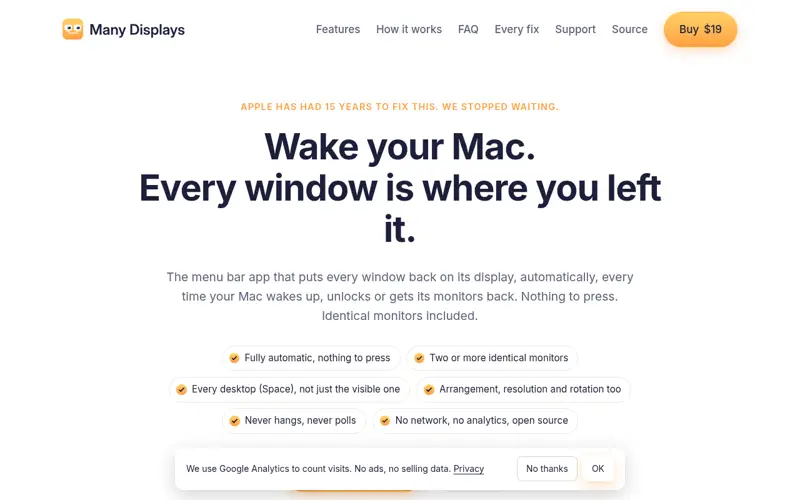
manydisplays.commacOS menu bar app that remembers where every window lives and puts it back when the Mac wakes, unlocks or reconnects monitors. It works with identical monitors and every Space, has no network access or analytics, and is open source, sold for $19 after a 14-day trial. The builder vibe-coded the first version in a day.
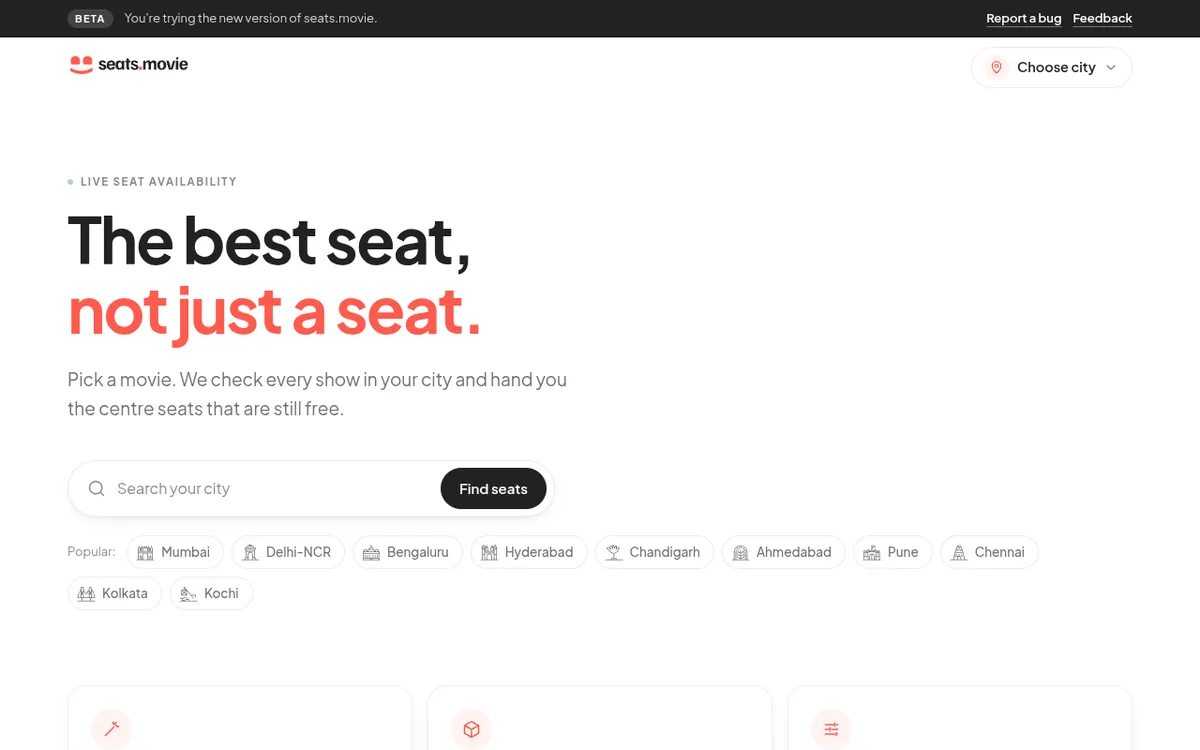
Other@maraculle, Cinema seat view and seat finder for moviegoers in Indian cities such as Mumbai, Delhi-NCR and Bengaluru that checks every show for centred seats still free. A 3D seat view shows the screen from any row before booking, and filters cover centre only, distance, seats together, price cap and time of day. Built by vibe coding; the builder says it drew heavy search traffic in four days, and a free browser extension brings the view to booking sites.
Other@sunithvs_,

- Visit
Use a paper review tool that keeps PDFs local
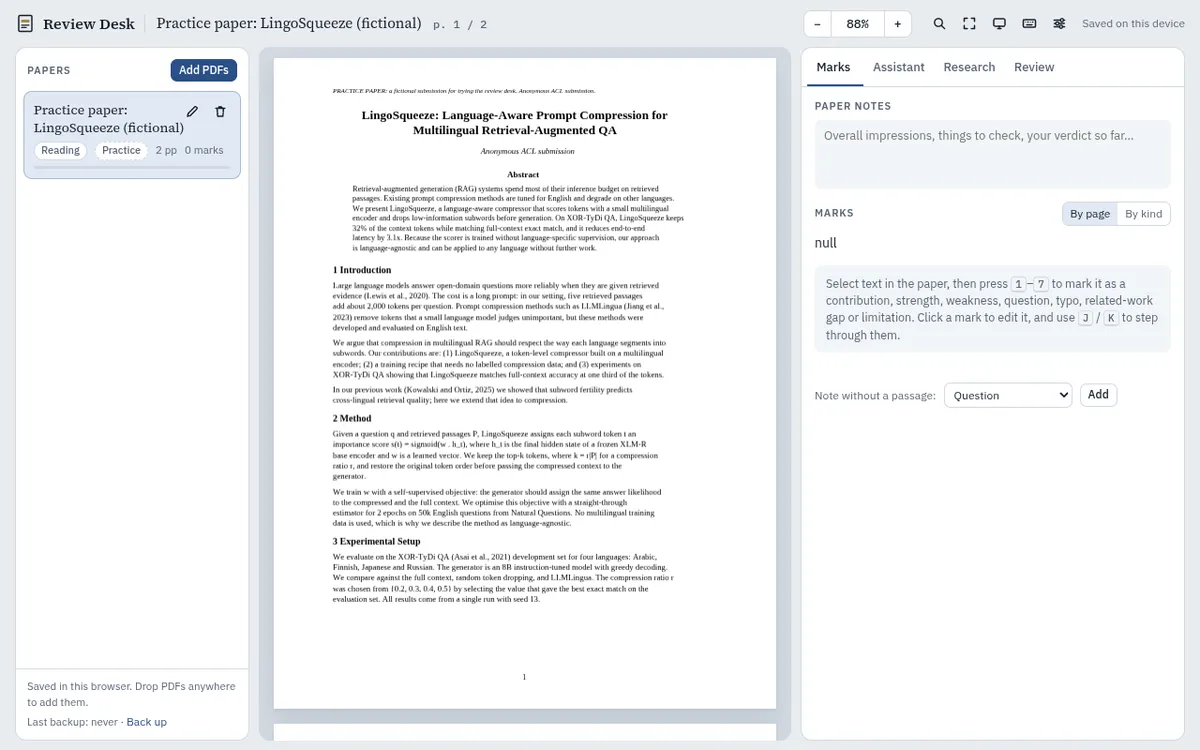
mnishant2.github.ioBrowser paper review tool for conference reviewers that turns marked PDF passages into review form drafts. Each paper keeps its own marks, notes, assistant chat and review draft, saved only in the browser, and the optional assistant can run on a local model. Vibe-coded for conference paper review and open source on GitHub.
Other@mnishant2,
Show the prompt.
Add the prompt you used; it shows on your card and app page with a copy button.
The prompt
