Bastion
Run a router security scanner on your Wi-Fi
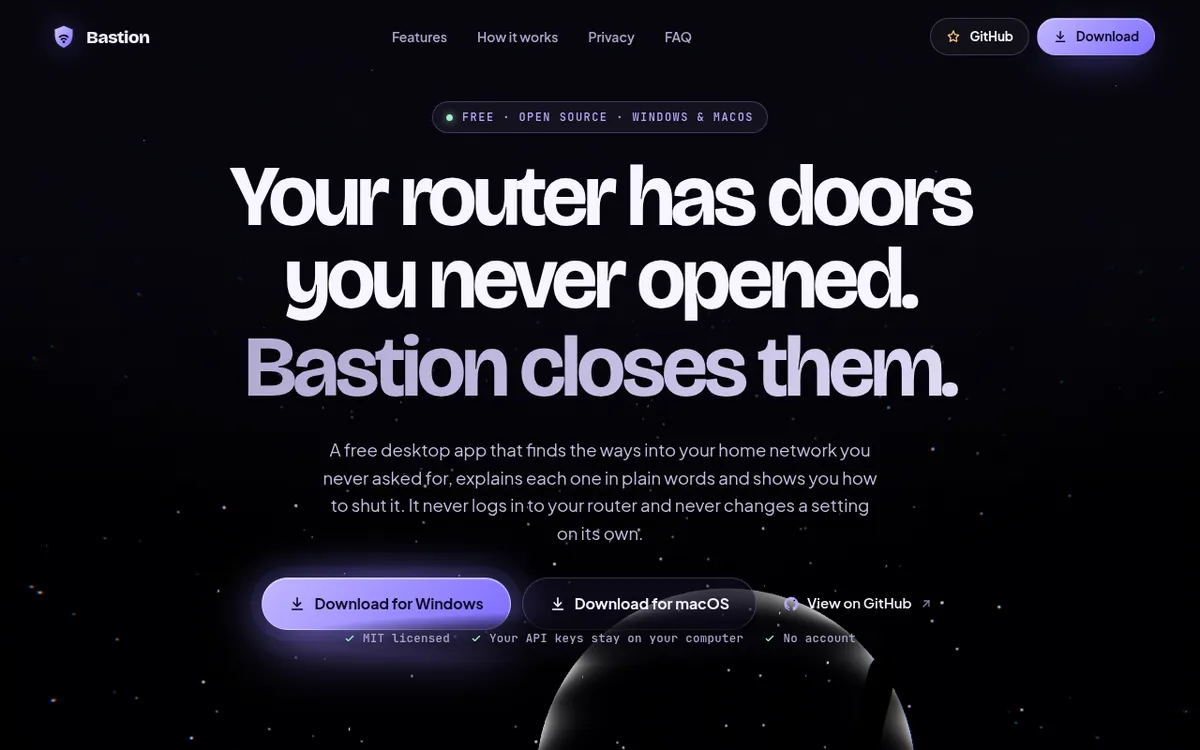
About the app
Open-source desktop app for Windows and macOS that checks a home router from inside the network for TR-069 remote control, UPnP port-forwards, Telnet, SSH, a plain-HTTP admin page and unencrypted DNS, then scores the network out of 100. Claude, ChatGPT or Grok can read the scan and explain what to fix first, using your own key or plan. It never logs in to the router, and the builder made it with Claude Code on Opus 5.5.
- Maker
- @0xMovez
- Built with
- Claude
- Posted
- Source
- Original post on XSource

Added . Is this yours? Feature it · Report an issue.
The prompt
How it was built.
The prompt.
From @0xMovez
You are building "Bastion": a free, open-source desktop app for Windows and macOS that finds the backdoors in my home Wi-Fi router, shows where my traffic goes, speeds up my Wi-Fi, and lets AI agents watch my network. Work in this empty folder. Use Opus 5.5.

DESIGN FIRST, CODE SECOND
1. Before writing any code, design 4 different UI concepts as web pages (dark, premium, Apple-level polish, focus on speed + security). I'll pick one.
2. Then rebuild the chosen concept until it looks like Apple made it: real 3D (Three.js) router on the home screen, bloom + anamorphic lens flare, glass panels, Apple-style sliders with a glow that runs around the edge, a flowing ambient background behind every screen.

WHAT THE APP MUST REALLY DO (no fake data, ever)
- Find my router and probe it from inside the network: TR-069/CWMP (port 7547), UPnP port-forwards (read the actual mappings), Telnet, SSH, plain-HTTP admin page.
- Check whether my DNS lookups are encrypted and who resolves them.
- Read my Wi-Fi: channel, band, signal, security; survey neighbour networks and recommend a quieter channel.
- List devices on my network and which apps on this computer talk to the internet.
- Run a real speed test.
- Check if my Wi-Fi name ends with _nomap and if this computer uses a private MAC address.
- Score my network 0–100 and give plain-language, step-by-step fixes.
- If something can't be measured from inside my network, say "unknown" and explain why. Never guess.

AI AGENTS
- Let me plug in Claude, ChatGPT or Grok with my own API key (stored encrypted by the OS keychain).
- Also let me use my existing subscription without an API key: talk to Claude through my Claude Code login and to ChatGPT through my Codex login.
- Before anything leaves my computer, strip MAC addresses, device names, Wi-Fi names and the end of my public IP.
- Agents only suggest. They can never run commands, log in to my router or change a setting.

SAFETY RULES
- Never log in to my router and never try a password.
- Shell out only with fixed arguments; my text goes in through stdin, never into a command line.
- Any CLI an agent uses runs with zero tools, read-only, in an empty folder, with a timeout.

HOW TO BUILD IT
- One Electron codebase for macOS and Windows. Write a short internal contract first (IPC surface + data types) so modules can be built in parallel.
- Split the build across parallel agents: network scanner, Wi-Fi + speed test, AI agents, 3D hero, UI kit, screens, packaging. Give every agent a reviewer and every reviewer a fixer.
- Add a separate security agent that attacks every line that runs commands or sends data.
- Add a design-critic agent that screenshots every screen and asks: "would Apple ship this?" If not, it goes back.
- Run the scanner on my real machine and fix whatever real hardware breaks (localized OS output, OS permissions, rate limits).
- Before anything goes public, check that none of my IPs, MAC addresses or network names are in the code.

SHIP IT
- Push to a public GitHub repo with an English README (what it does, what it does NOT do, privacy, install).
- GitHub Actions builds the .dmg and .exe on every version tag.
- Build a launch site on Vercel in the same design, with download buttons that always point to the latest release.
More like this
More built with Claude, 11 productivity apps.
- Visit
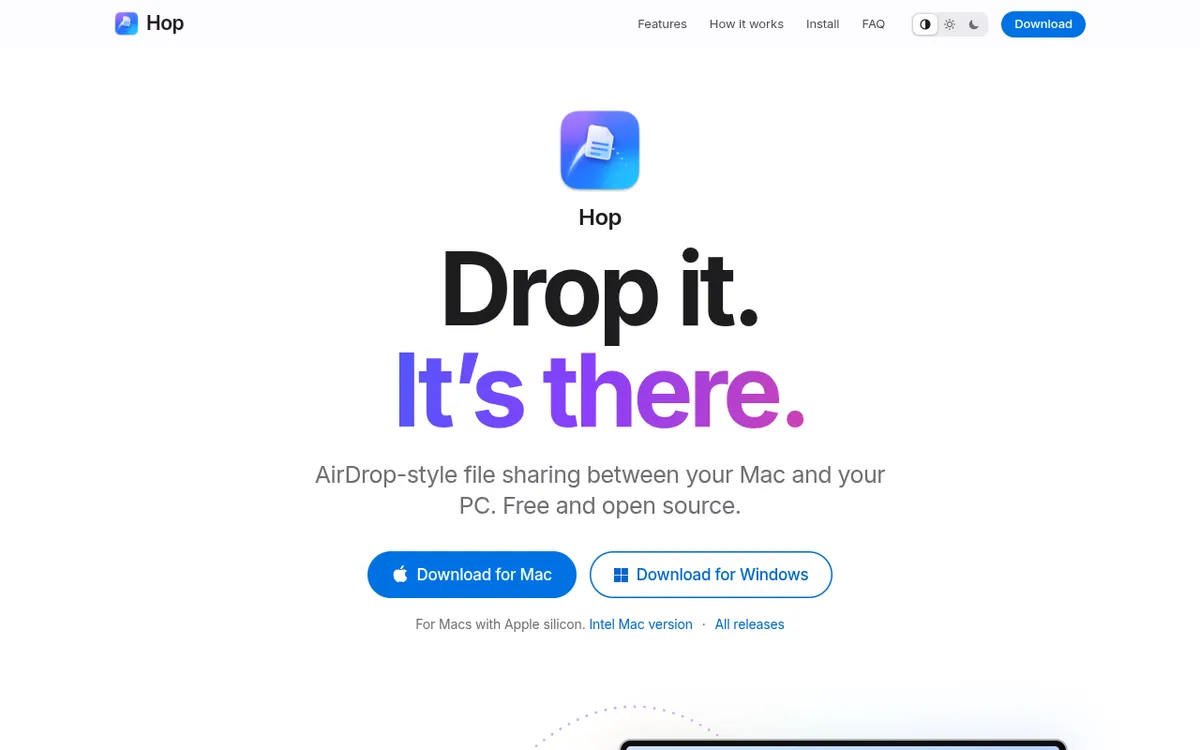
Use Mac and Windows file sharing over Wi-Fi
hop-drop.vercel.appOpen-source desktop app for Macs and Windows PCs on the same Wi-Fi that finds nearby computers on its own and sends files or folders straight across, making Mac to PC file transfer a drag and drop. The receiver can accept or decline each transfer or always accept a trusted device, and files never overwrite existing ones. It has Apple silicon, Intel Mac and Windows downloads, and the builder made it with Claude Code on Opus 5.5.
Claude@0xMovez, - Visit
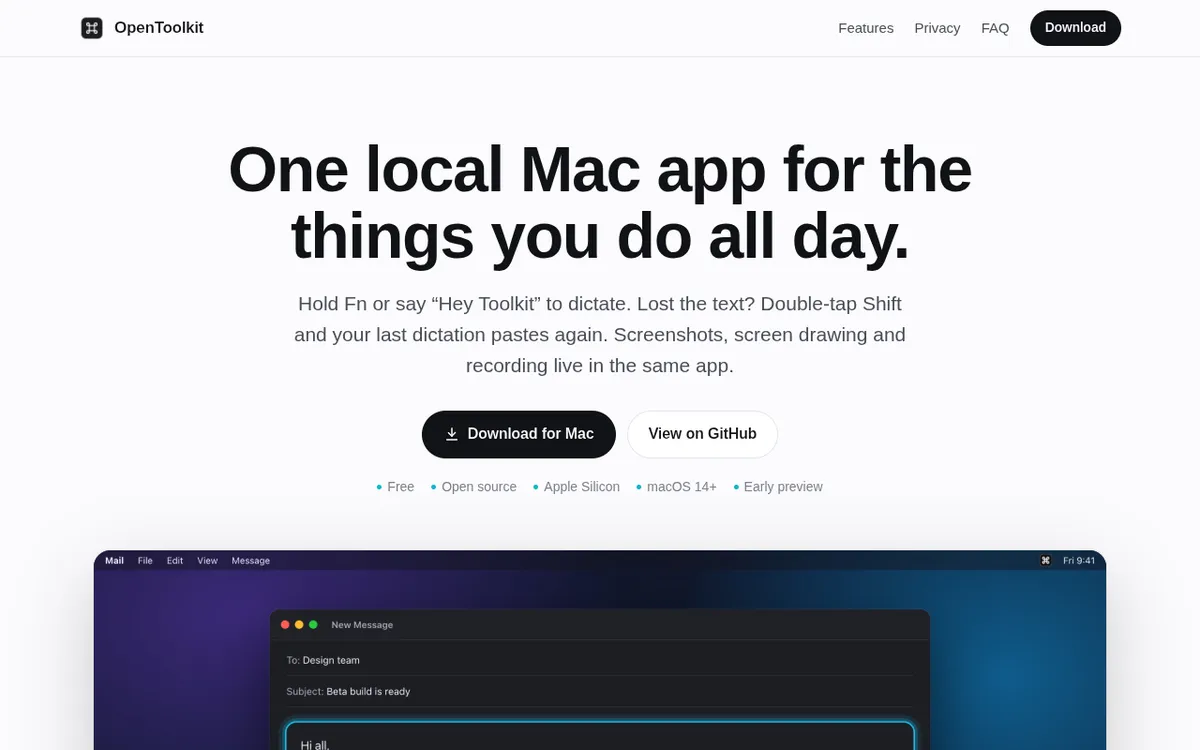
Dictate offline with a local Mac dictation app
opentoolkit.appMac dictation app that transcribes speech locally on Apple Silicon when the user holds Fn or says a wake phrase, keeping each dictation on the Mac. A double tap of Shift pastes the last dictation again and a triple tap opens the full history. It also works as a screenshot app on the Mac, with markup, scrolling captures, on-screen drawing and video or GIF recording, and it is free and open source. Built with Claude.
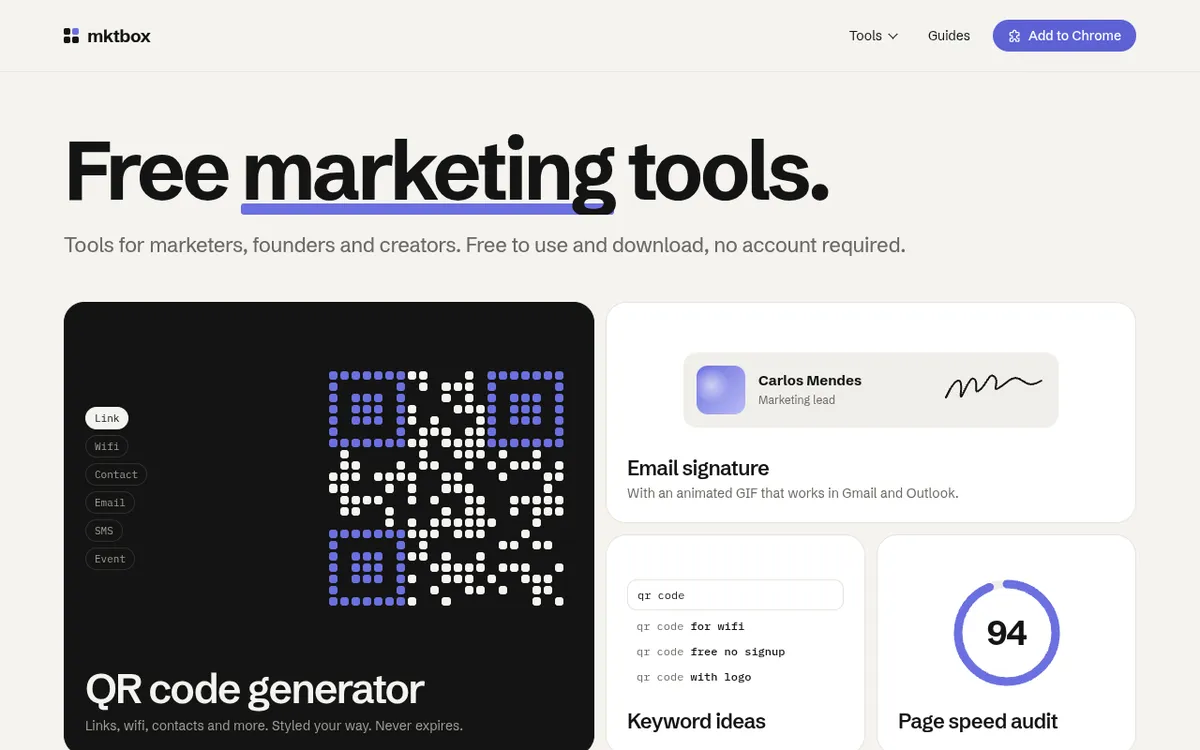
Claude@bartslodyczka, Free set of small marketing tools for marketers, founders and creators, from a QR code generator to an email signature maker, no account needed. It also has a UTM builder, link preview, LinkedIn post formatter, image resizer, headline analyzer, schema markup generator, GIF animator and page speed audit, plus a Chrome extension. The builder says it was built with Opus 5.5, and the code is open source on GitHub.
Claude@thatCarlosM,
For makers
Ship it once.
Let people find it.
Get your app listed and featured. Plans from $29 a week.
Submit your appShow the prompt.
Add the prompt you used; it shows on your card and app page with a copy button.
The prompt
