Build your own with BoltSponsored
Disco Tanks
Browser tank game on a 1970s dance floor
About the app
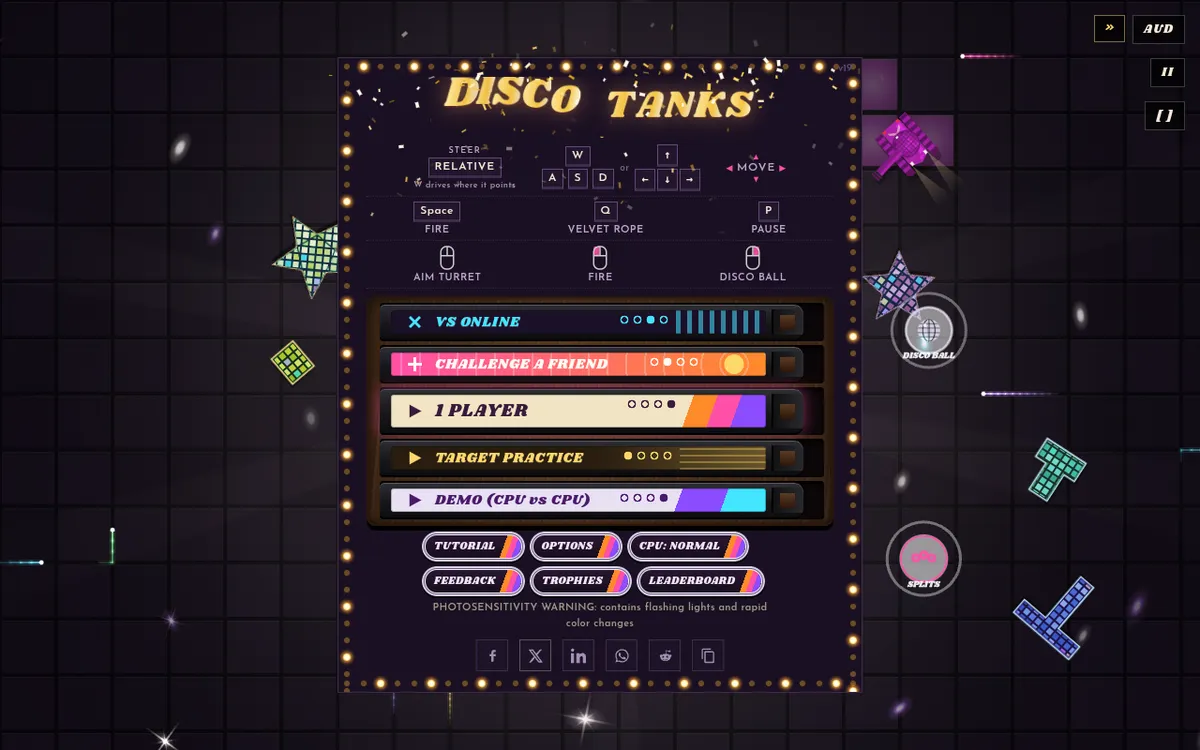
Two-tank duel set on a 1970s dance floor where the floor lights up under the treads, the mirrors pulse on the beat and six original disco tracks are synthesized in code. Tanks fire vinyl records, launch a disco-ball missile and raise a velvet rope shield, while power-ups such as Hustle, Splits, Fever, Skates and Mirror spin in; first to 30 wins. Modes include online matchmaking, a link to challenge a friend, one player against the CPU with a leaderboard, target practice and a CPU-versus-CPU demo, all free in the browser with keyboard, mouse, gamepad or touch sticks and no account (it carries a flashing-lights warning). The code was written with Claude.
- Maker
- @EddieTheAnvil
- Built with
- Claude
- Posted
- Source
- Original post on X

Added . Is this yours? Feature it · Report an issue.
Add a badge to your siteLinks back to this page and shows your live upvote count once it reaches 5.

HTML
<a href="https://www.promptshipped.com/app/disco-tanks-browser-tank-game-built-with-claude" target="_blank" rel="noopener"><img src="https://www.promptshipped.com/badge/disco-tanks-browser-tank-game-built-with-claude.svg" alt="Disco Tanks on PromptShipped" width="250" height="54"></a>
Markdown
[](https://www.promptshipped.com/app/disco-tanks-browser-tank-game-built-with-claude)
The prompt
How was it built?
Ask for the prompt.
Built with Claude.Build your own with BoltSponsored
Not shared yet
@EddieTheAnvil hasn't shared the prompt behind Disco Tanks. If it gets added, it shows up here with a copy button.
More like this
More apps like this
- Visit
Browser FPS game where walls and glass break
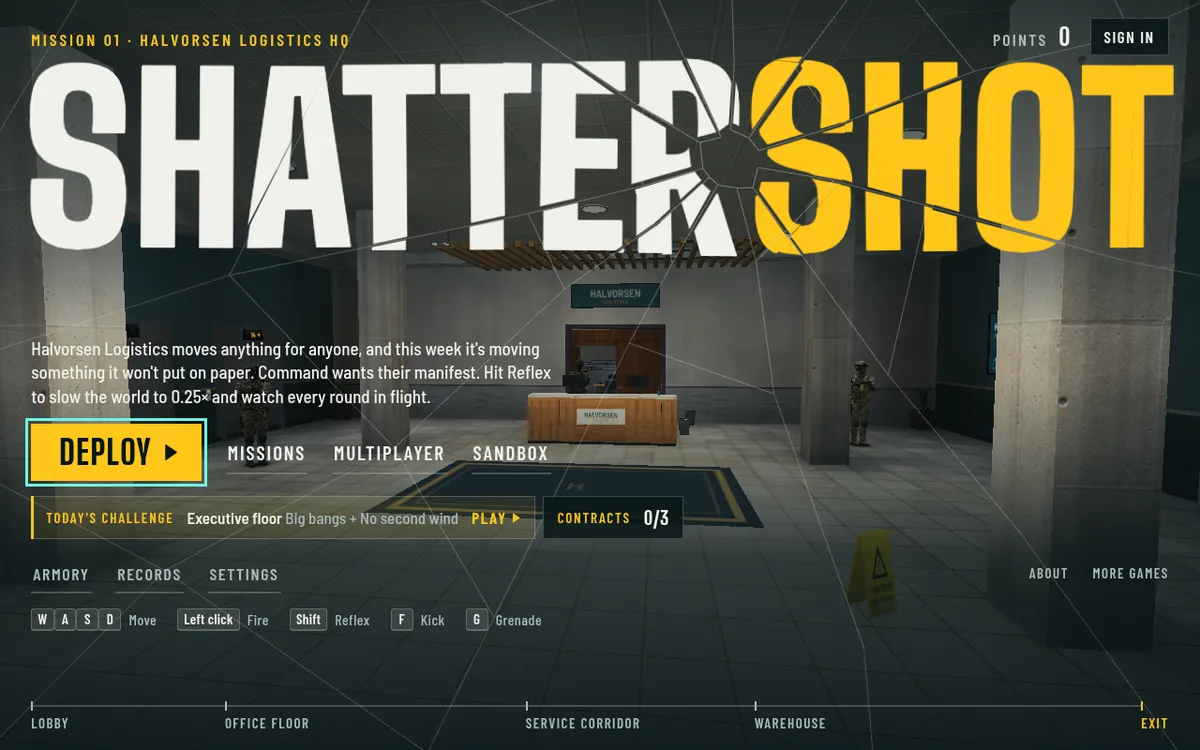
shattershot.neonbit.ggBrowser FPS game where walls, glass, desks, doors and concrete break where the rounds hit, with an 18-mission story campaign, co-op for up to four players and public or private multiplayer rooms of up to ten with optional bots. It also has a daily challenge, contracts, and a sandbox mode for placing barrels, cars and troopers on any map, while a Reflex key slows the world to a quarter speed to watch rounds in flight. It plays with keyboard and mouse, gamepad or touch, and signing in is only needed for the friends list. The builder says it was made with Claude Code and three.js.
Claude@david_zelaznog, - Visit
Volleyball game online with squishy blobs
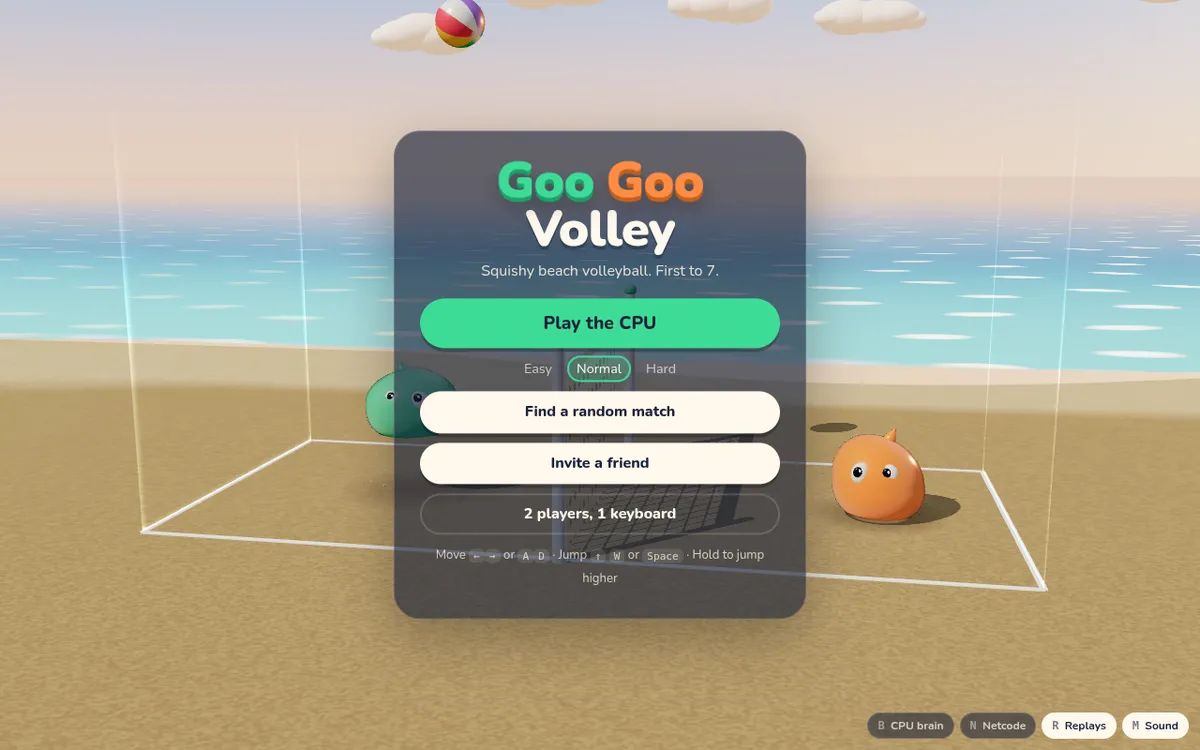
googoovolley.getwimi.appVolleyball game online with squishy 3D blobs on a beach court, played first to 7 points. You can play the CPU on Easy, Normal or Hard, find a random match, invite a friend with a private match link, or play two players on one keyboard. You move with the arrow keys or A and D and jump with Up, W or Space, holding the key to jump higher, and there are toggles for replays and sound. The builder says it is a blob volleyball game made with Claude, and it runs in the browser with no download.
Claude@nickfthedev, 

- Visit

Raid island guardians in a co-op roguelite
dapp.alandys.comCo-op roguelite in the browser where players hatch a creature and fight raid-style guardians across floating islands, solo or with up to three online. The builder says he spent 33 days making it with Claude Opus 5.5 and Three.js, with 16 raid bosses, online co-op on a real server and a Steam release planned for November. It runs on PC, mobile and gamepad with no download, and play starts without an account. Built with Claude.
Claude@AlandysGame,
Show the prompt.
Add the prompt you used; it shows on your card and app page with a copy button.
The prompt
