Build your own with BoltSponsored
ER-6 Terrain Explorer
Drive a Mars rover simulator in 3D
About the app
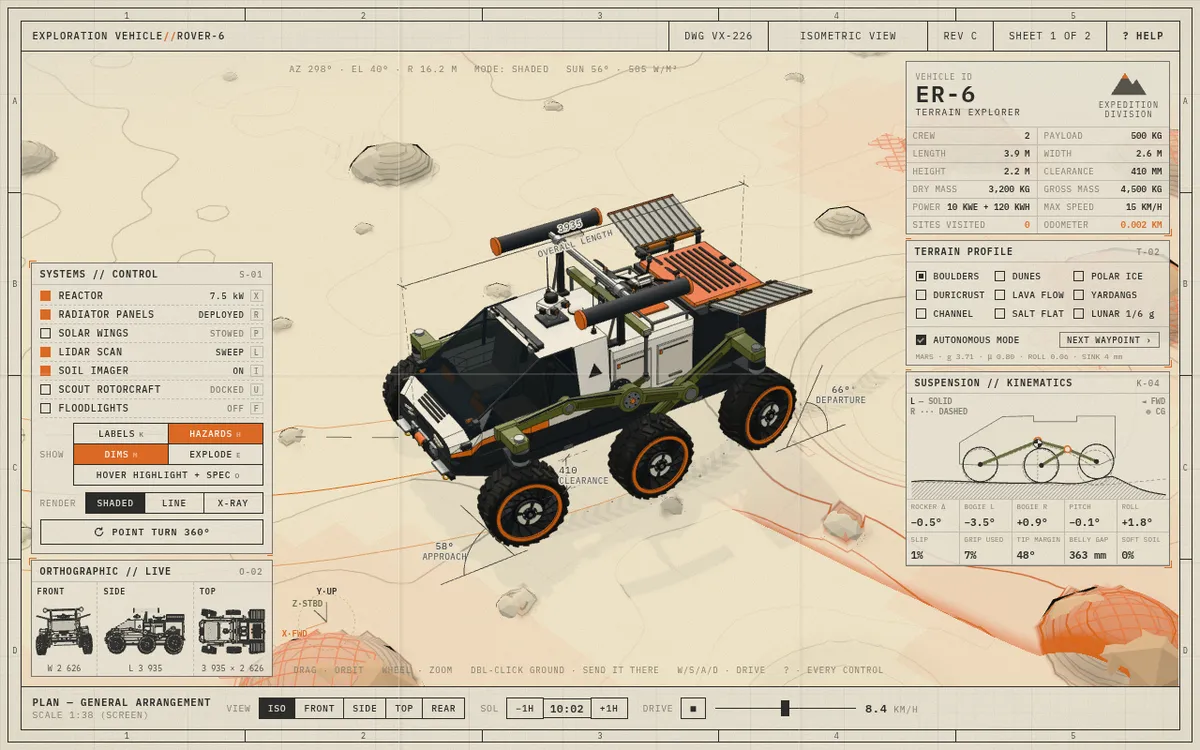
A Mars rover simulator laid out as an interactive engineering sheet: a six-wheel rocker-bogie rover finds its own way over nine terrains, from dunes, boulders and polar ice to a lunar one at 1/6 g. Switch shaded, line or X-ray views, deploy the reactor, solar wings, lidar and a scout rotorcraft, or drive it yourself with WASD. Built with Claude Fable 5.2 and three.js.
- Maker
- @DilumSanjaya
- Built with
- Claude
- Posted
- Source
- Original post on X

What is ER-6 Terrain Explorer?
ER-6 Terrain Explorer is a Mars rover simulator laid out as an interactive engineering drawing. Its six-wheel rocker-bogie rover can drive itself in autonomous mode toward the next waypoint, or you can drive it yourself. The builder says they asked Claude Fable 5.2 to design a vehicle with rocker-bogie suspension and simulate it driving over the kinds of terrain found on other worlds.
Which terrains can the rover drive on?
- Boulders
- Dunes
- Polar ice
- Duricrust
- Lava flow
- Yardangs
- Channel
- Salt flat
- Lunar, at 1/6 g
What systems can you switch on?
The Systems panel toggles the reactor, radiator panels, solar wings, a lidar scan, a soil imager, a scout rotorcraft and floodlights. Show options add callout labels, a hazard overlay with what the vehicle has seen and ruled out plus its route and waypoint, dimensions with clearance and approach and departure angles, an exploded view, and a hover highlight that shows each part's spec.
What does the suspension panel show?
A Suspension // Kinematics panel draws the rocker-bogie linkage live and reads out the rocker and bogie angles, pitch, roll, wheel slip, grip used, tip margin, belly gap and soft soil.
How do you control it?
Drag to orbit and scroll to zoom. Double-click the ground to send the rover there, drive with W, A, S and D, and press ? to see every control. Render modes are shaded, line and X-ray, with live front, side and top orthographic views and a 360° point turn.
Added . Is this yours? Feature it · Report an issue.
Add a badge to your siteLinks back to this page and shows your live upvote count once it reaches 5.

HTML
<a href="https://www.promptshipped.com/app/er-6-terrain-explorer-mars-rover-simulator-built-with-claude" target="_blank" rel="noopener"><img src="https://www.promptshipped.com/badge/er-6-terrain-explorer-mars-rover-simulator-built-with-claude.svg" alt="ER-6 Terrain Explorer on PromptShipped" width="250" height="54"></a>
Markdown
[](https://www.promptshipped.com/app/er-6-terrain-explorer-mars-rover-simulator-built-with-claude)
The prompt
How was it built?
Ask for the prompt.
Built with Claude.Build your own with BoltSponsored
Not shared yet
@DilumSanjaya hasn't shared the prompt behind ER-6 Terrain Explorer. If it gets added, it shows up here with a copy button.
More like this
More apps like this
All 64 learning apps- Visit
Wire and code Arduino circuits in 3D
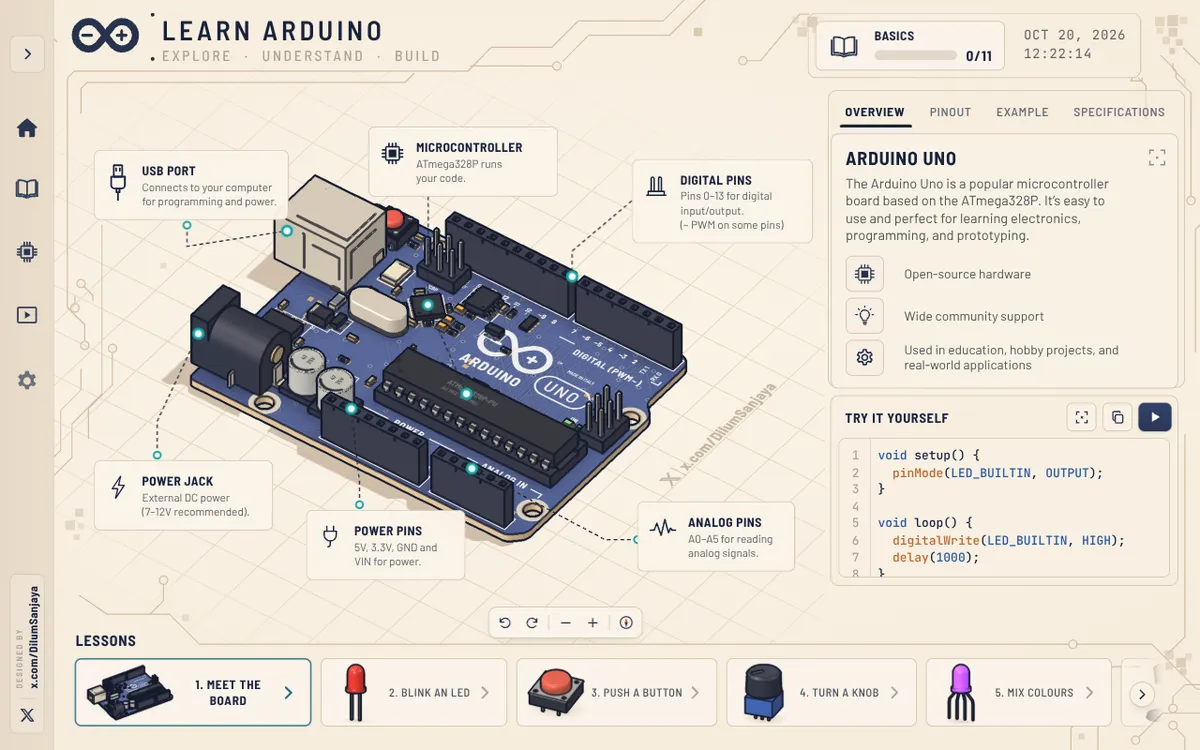
learn-arduino-red.vercel.appBeginner Arduino course built around an interactive 3D Arduino Uno, with 16 free lessons, from meeting the board and blinking an LED to motors, servos and a final project. Each lesson labels the board's pins and parts and pairs them with example code, a run button and a serial monitor, while the 3D view can be panned, rotated and zoomed. The builder says it was made with Opus 5.5.
Claude@DilumSanjaya, - Visit
Learn survival skills step by step in 3D
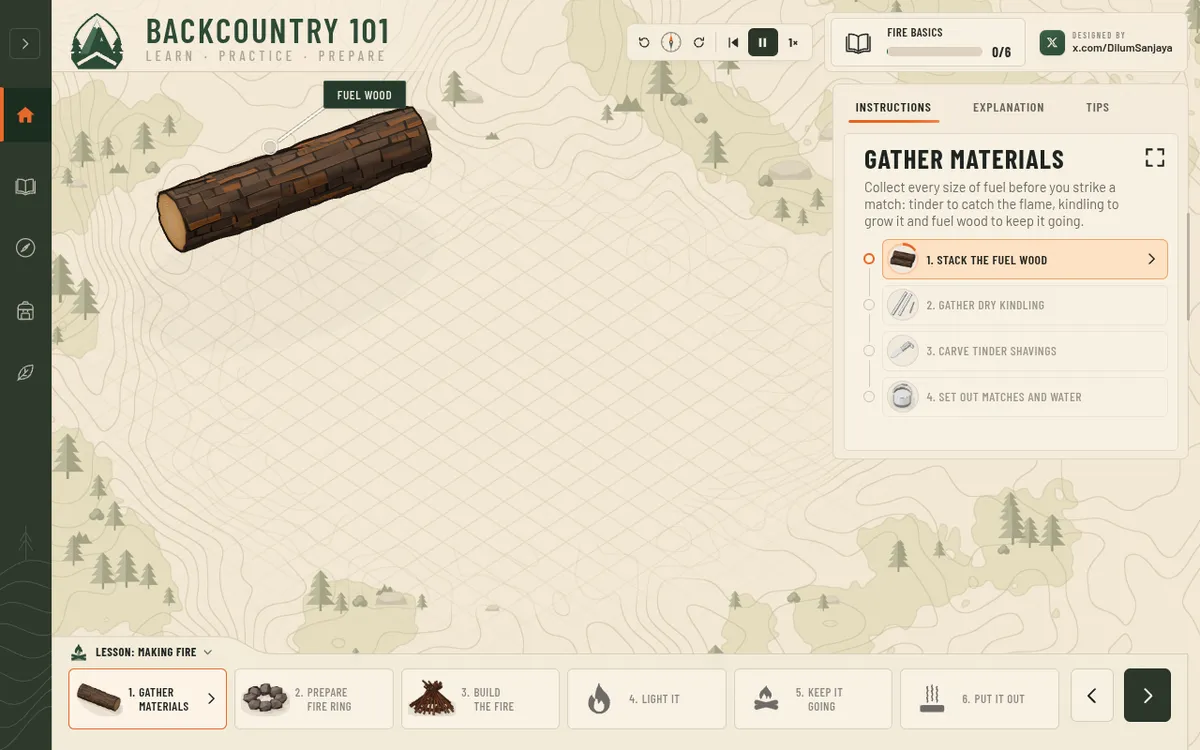
backcountry-101.vercel.appInteractive 3D app that teaches basic survival skills step by step, from lighting a campfire and making a bow drill to filtering water, building a lean-to and signalling for rescue. Each lesson is split into stages with instructions, explanations and tips, plus controls to pause, rewind or change the speed. Card sets cover edible versus poisonous plants, deadly mushrooms and what to pack in a survival kit. Built with Claude Opus 5.5.
Claude@DilumSanjaya, - Visit
Follow an ESP32 tutorial for beginners in 3D
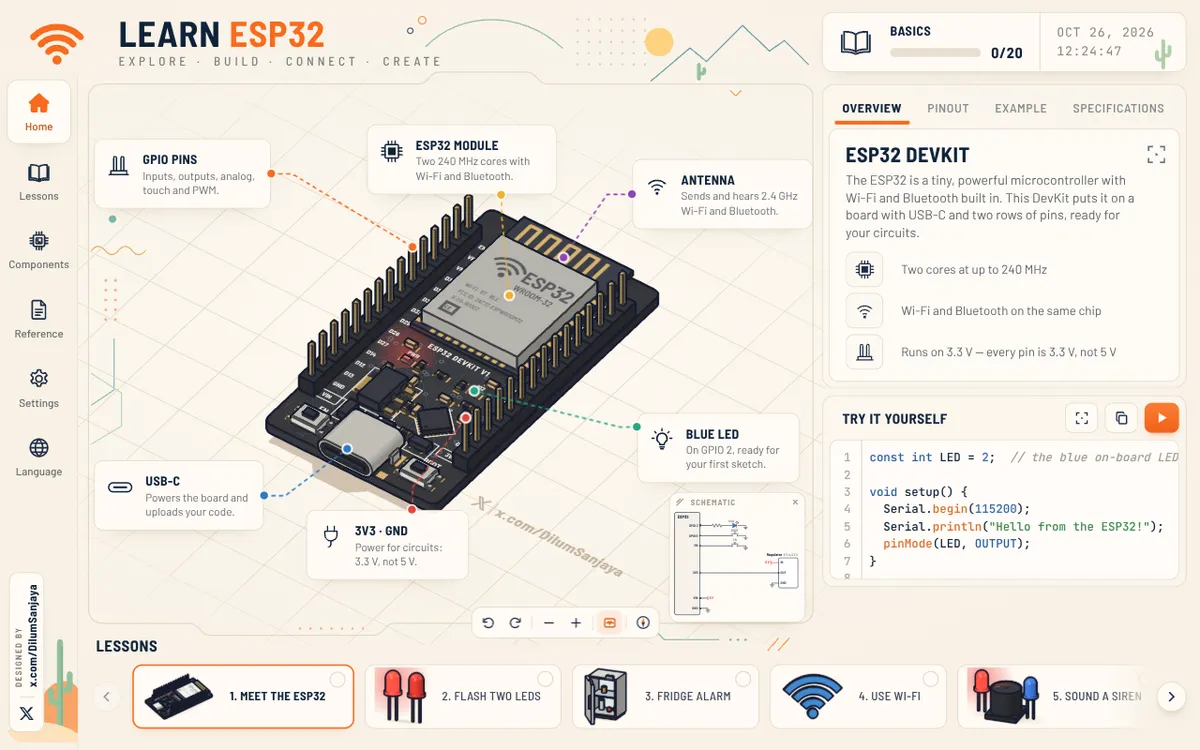
learn-esp32.vercel.appAn interactive 3D ESP32 DevKit board that shows beginners what the chip can do, one circuit at a time. Its 20 ESP32 lessons cover wiring LEDs, buttons, touch keys, sensors, motors, servos and steppers, then Wi-Fi, Bluetooth and ESP-NOW. Each lesson pairs a schematic with example code and a run button, and the board can be panned, rotated and zoomed. It comes from the maker of Learn Arduino.
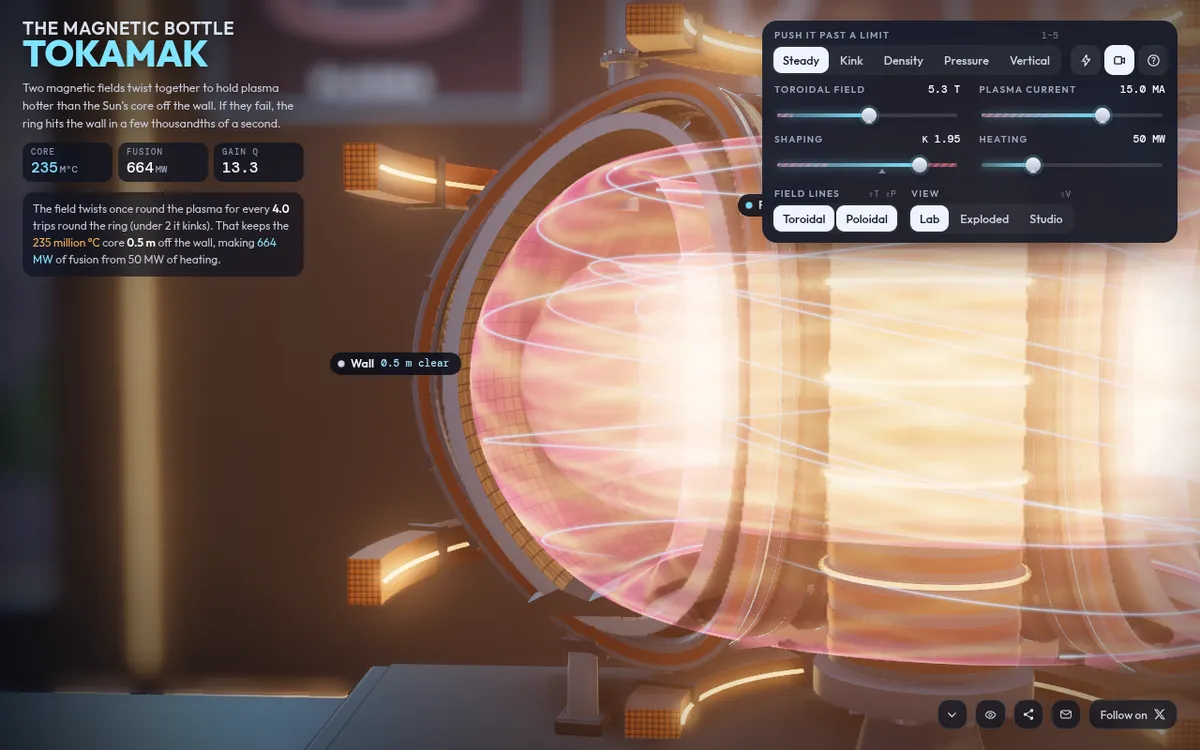
Claude@DilumSanjaya, Interactive 3D tokamak cut open on the bench, showing how a tokamak works as twisted magnetic fields hold a 200-million-degree plasma off the wall. Sliders set field, current, shaping and heating with readouts of core temperature, fusion power and gain, and limit modes (kink, density, pressure, vertical) push the plasma until it fails in slow motion. Built with Claude (Opus 5.5) on real ITER numbers, the builder says.
Claude@RyanSael,- Visit
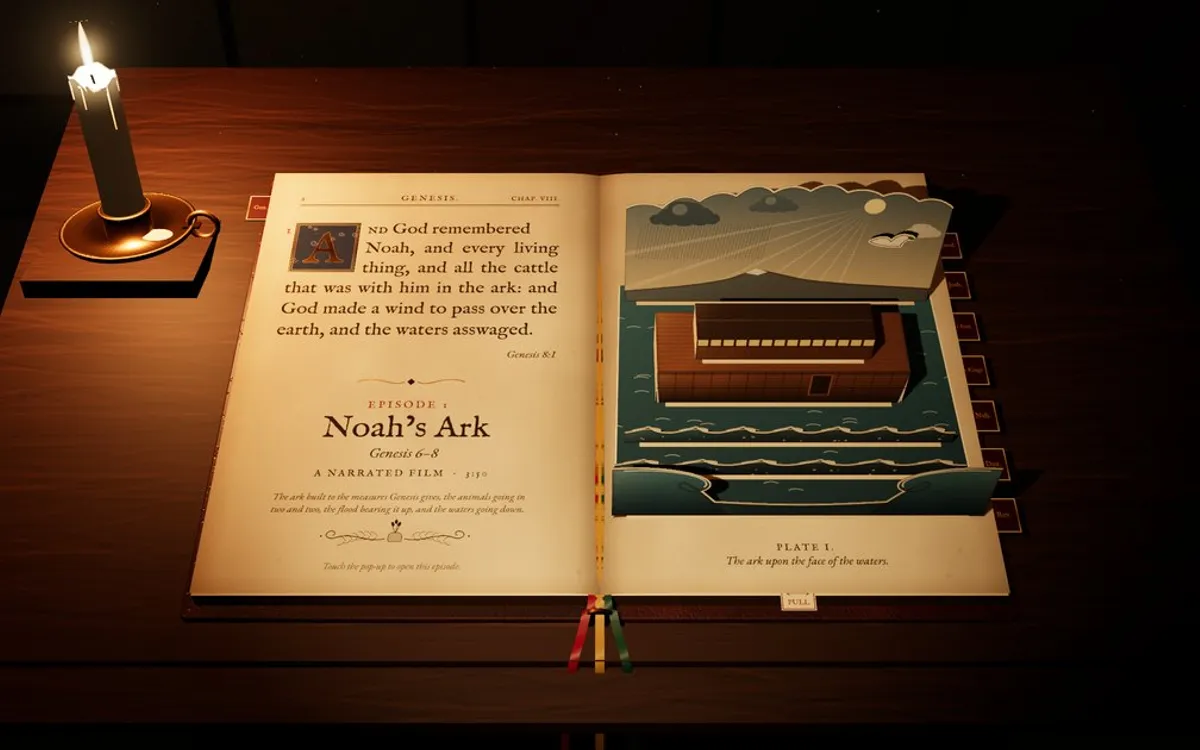
Explore interactive Bible stories in 3D
holypolygons.comInteractive Bible stories in 3D, laid out as a pop-up book of twelve King James Bible episodes, each told as a narrated film and then a 3D scene to explore. Noah's Ark (Genesis 6-8) and The Tabernacle (Exodus 25-40) are open now with five-minute films; the other ten, from the Tower of Babel to the New Jerusalem, are marked as in the making. Short pages answer how big Noah's Ark and the Tabernacle were. Built with Claude Opus 5.5 and three.js.
Claude@SonOfJihoz_real, - Visit
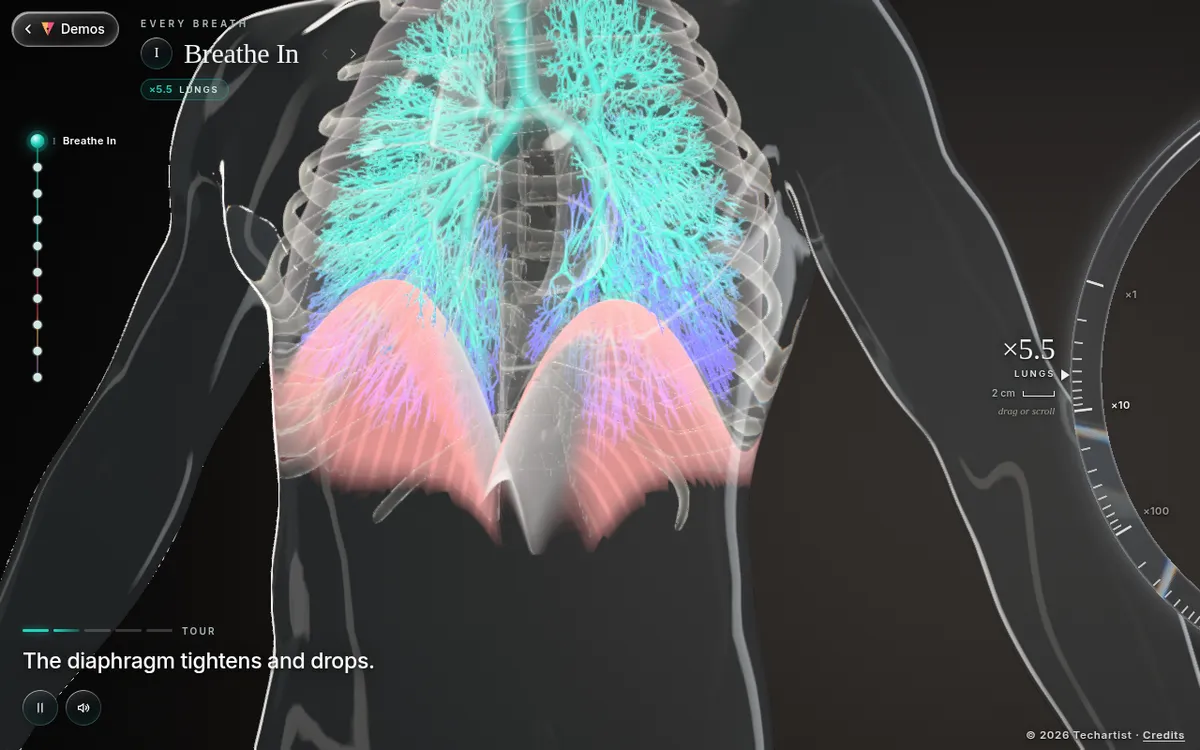
Run a 3D gas exchange simulation
iamtechartist.comInteractive 3D biology lesson for students aged about 11 to 16 that follows one breath of oxygen through a glass human body, from the air in the room to a working muscle and back out. Ten rooms each pair a short guided tour with a hands-on step and two check-yourself questions, from the diaphragm and ribs to the airway tree and the air sacs of the respiratory system in 3D. Built with Claude (Opus 5.5) using Three.js.
Claude@techartist_,
Show the prompt.
Add the prompt you used; it shows on your card and app page with a copy button.
The prompt
